Connect and upload
Connect YouTube
In the whole-book menu, choose Connect YouTube and approve access with your Google account.
Upload
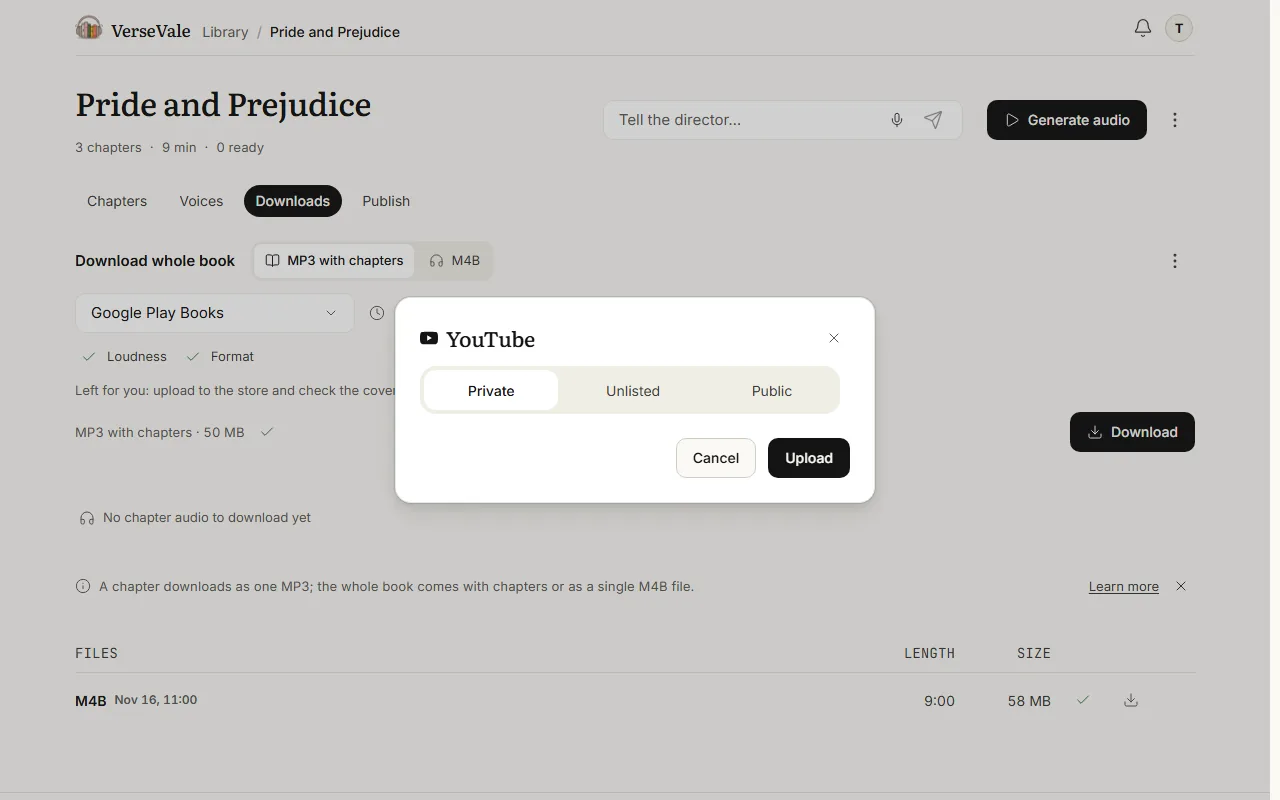
Choose Upload to YouTube. The video is made from the cover and the audio.
Check the status
The status icon shows Queued, Uploading, Uploaded or Failed.
Visibility
Visibility is Private by default. You can choose Unlisted or Public before you upload.
Chapters and AI disclosure
The description lists chapter timestamps when YouTube's rules allow them. Every upload is marked as containing synthetic media.
Commercial use and Content ID
You can use generated narration, music and sound effects commercially in audiobooks, podcasts and YouTube videos. Do not register any generated audio in YouTube Content ID or any rights-claiming system. Use in TV, film, radio, commercial studio games or standalone music and sound libraries is not permitted.