Add your show to Spotify
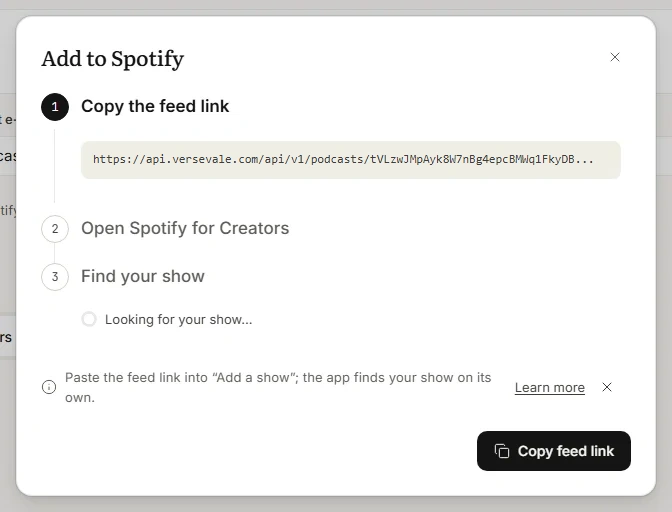
Copy the feed link
The Spotify step on the Publish page copies it for you.
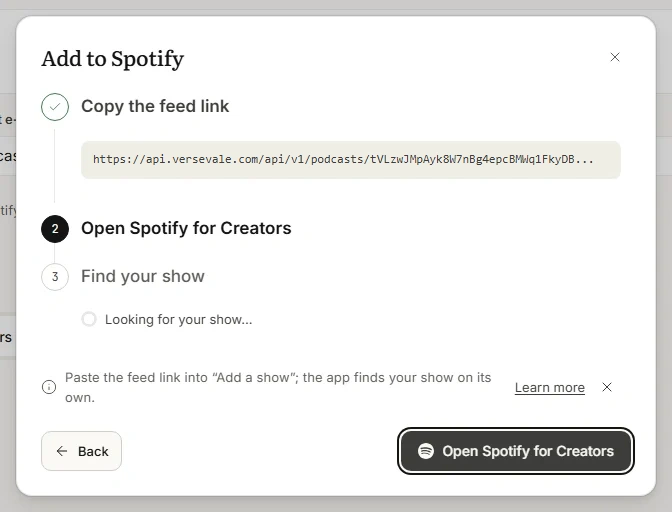
Open Spotify for Creators
Choose “Add a show” and paste the feed link.
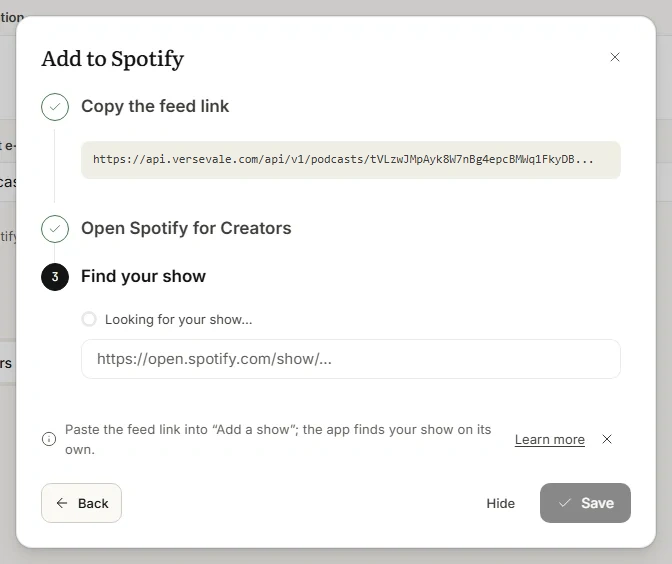
Save your show link
Paste the show link back here; the app finds the show by its feed address.
Waiting for Spotify
Spotify takes time to list a new show. The Publish page shows the status, then the show opens in one tap.