Upload the book
Add an EPUB or PDF in the library. The chapters appear in a few minutes.

Choose voices
Keep the automatic voices, or pick your own for the narrator and each character.
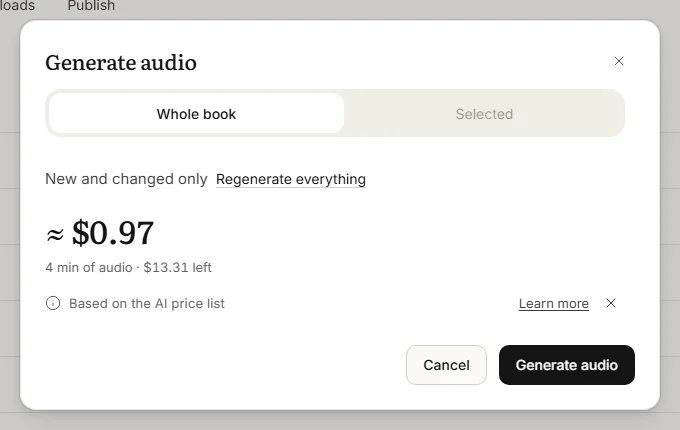
Generate audio
Choose the whole book or a few chapters. The price is shown before you confirm.
Publish
Download the files, or publish the book as a podcast feed and add it to Spotify.
What you can upload
EPUB and PDF. Scanned PDF pages are recognised with OCR when opened or before audio generation.