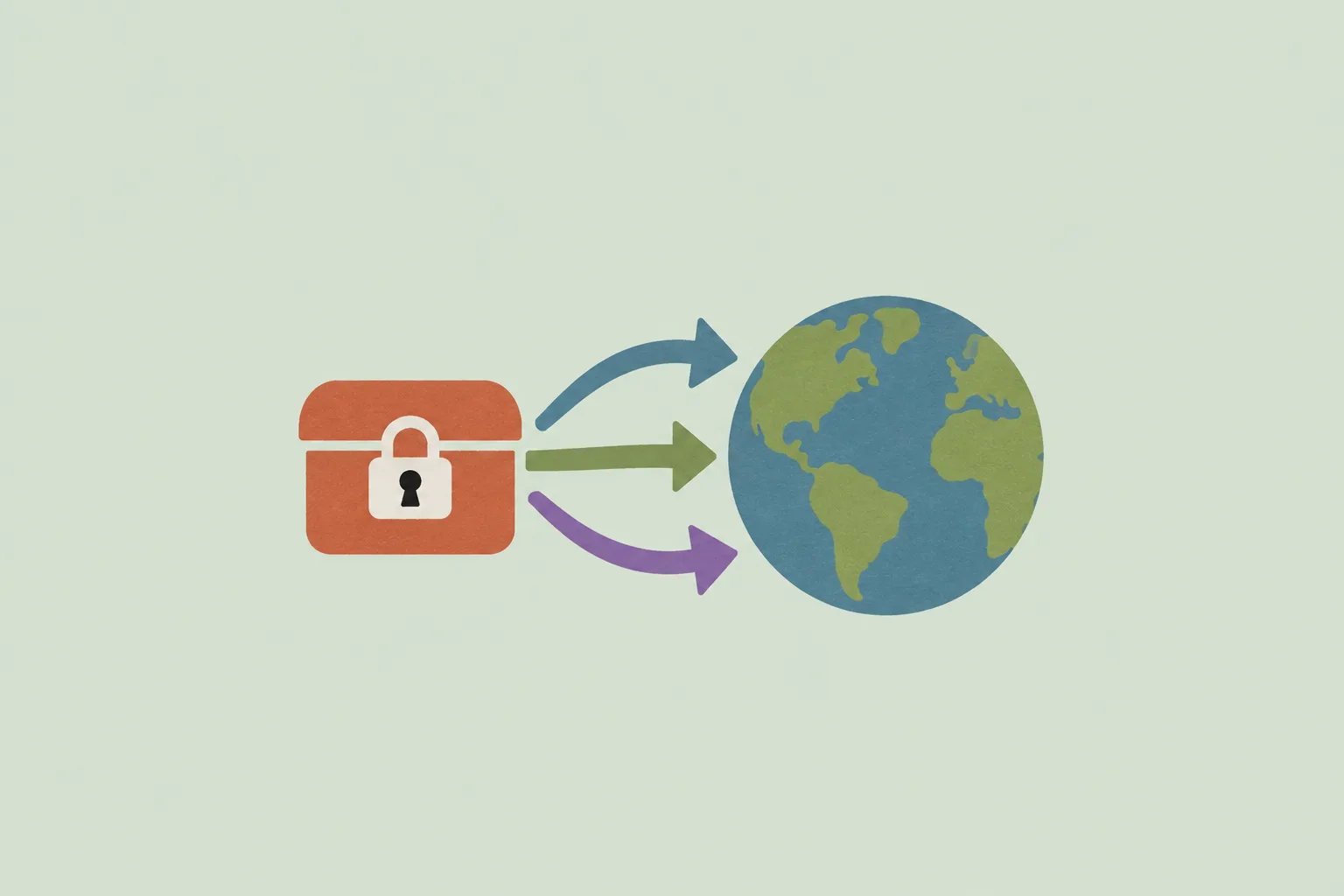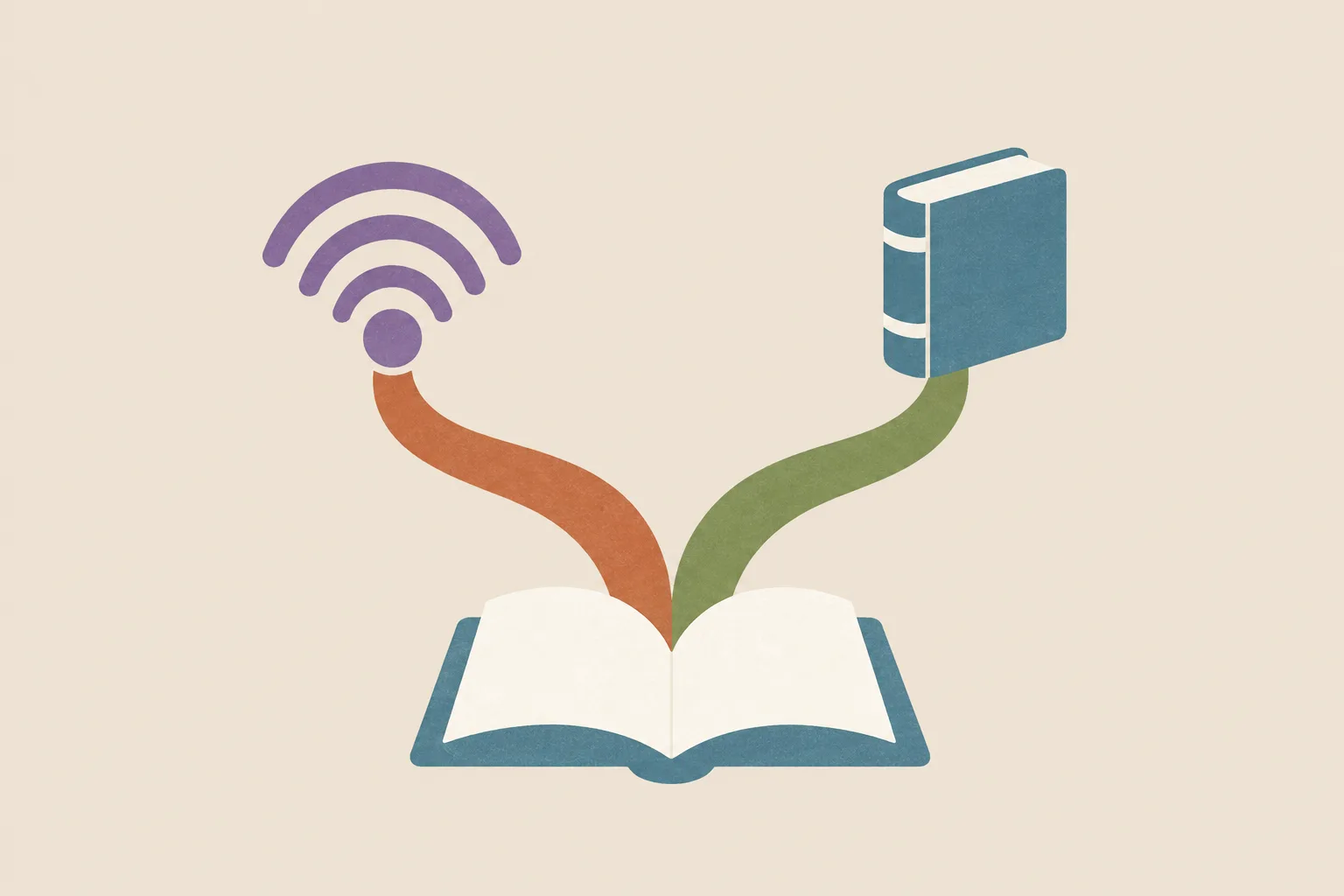
Authors turning a book into audio often mix up audiobook distribution with podcast publishing on Spotify. While both play inside the same listener app, Spotify treats them as separate catalogs with separate submission portals.
In VerseVale, a finished production supports both paths cleanly once your files pass editing and assembly.
Route 1: Selling M4B and MP3 editions through audiobook storefronts
To sell or stream a book as an official audiobook, download your finished chaptered MP3 or M4B from VerseVale and upload it through Spotify for Authors or an audiobook distributor. Store royalties and catalog eligibility follow that store’s terms, and if you also sell through ACX, check exclusivity rules before posting full chapters free elsewhere.
Route 2: Growing readers with a Podcasting 2.0 RSS feed
- VerseVale creates one dedicated private RSS show per book with episode status tracking, Podcasting 2.0 tags and links for Spotify for Creators, Apple Podcasts Connect, Podcast Index and Amazon Music.
- Episodes stay out of public directories until you publish them, and VerseVale detects the live Spotify show automatically once published.
- A podcast feed reaches listeners for free discovery and reader growth; it does not place the book into Spotify’s audiobook catalog or qualify an audio-only feed for Premium audiobook pools or Partner Program payouts.
Private YouTube uploads with chapter timestamps
You can also export directly to YouTube as a private video by default, complete with generated chapter timestamps and an AI disclosure, giving you time to review metadata and cover presentation before making a sample or full edition public. For step-by-step setup, follow our guide to publishing an audiobook on Spotify.